Compare TouchDeck
Honest comparisons with the other ways to control a Mac from a deck of buttons, including when each of them is the better choice.
Comparisons
TouchDeck vs Stream Deck (hardware)
Physical keys and plugins vs the iPhone or iPad you own
TouchDeck vs Stream Deck Mobile
Elgato's phone app vs a Mac-first deck that follows your apps
TouchDeck vs Touch Portal
A flexible cross-platform macro deck vs a native Mac deck with little setup
TouchDeck vs Deckboard
An inexpensive cross-platform macro pad vs a Mac deck with dials and app switching
TouchDeck vs BetterTouchTool
A Mac power-user automation tool vs a ready-made control deck
What TouchDeck does differently
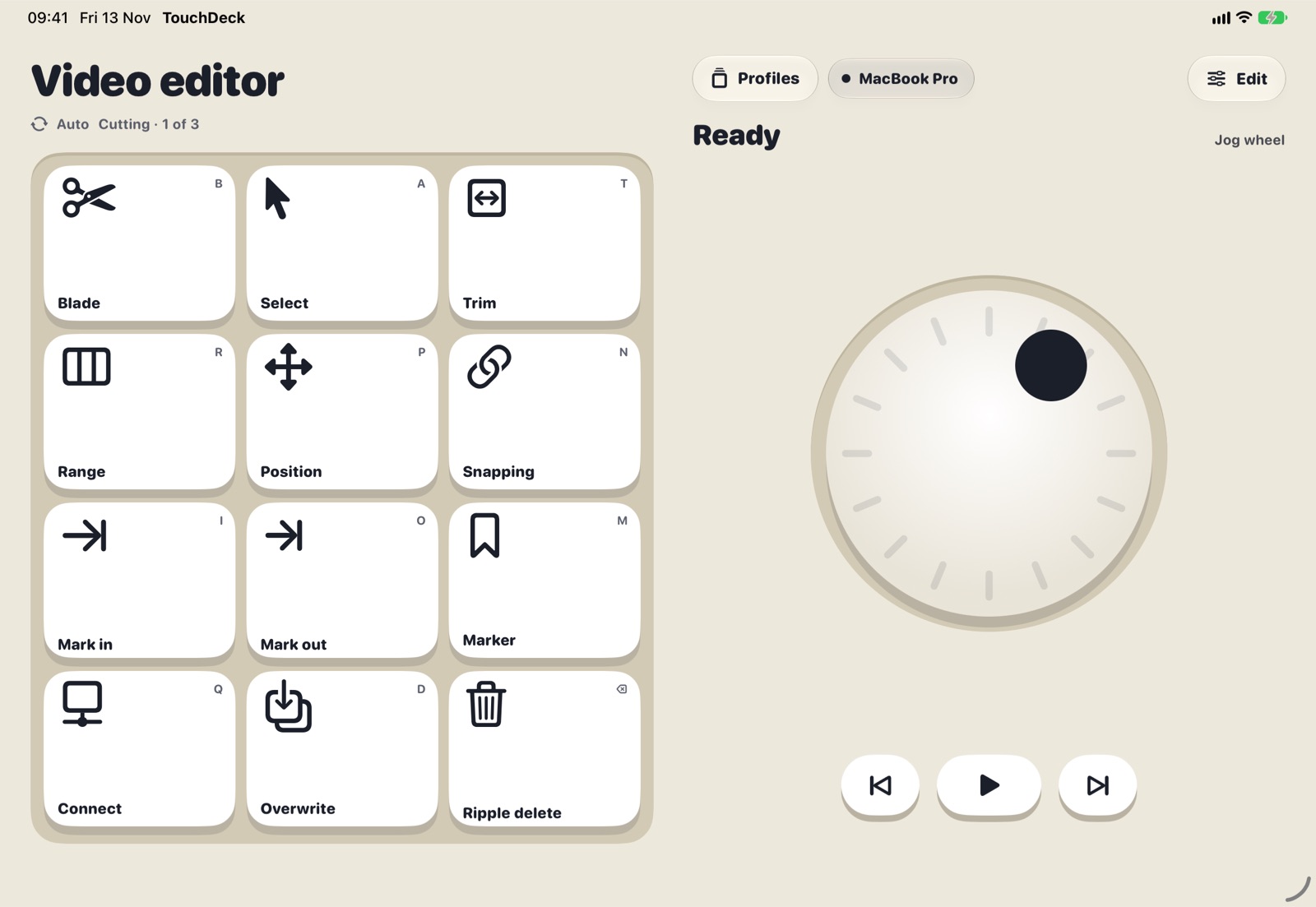
- Automatic app switching, built in: the deck follows the app in front on your Mac with no rules to write
- Decks from native Mac menus: pick any Mac app and TouchDeck reads the shortcuts from its menu bar and builds a deck (how it works)
- Dials, sliders and a jog wheel alongside keys, with haptic clicks on iPhone
- Local Wi-Fi only: your device talks straight to your Mac, encrypted end to end, after a four-digit pairing code
- No account: nothing to sign up for; decks back up to your own iCloud
- Layouts for each screen: iPhone, both screens of iPhone Duo, and every iPad size
Questions
Is TouchDeck for Windows?
No. TouchDeck controls a Mac, from iPhone, iPad and iPhone Duo.
Do I need extra hardware?
No. It uses the iPhone or iPad you already have, and a free app on your Mac.
Can I try it before paying?
Yes, 7 days free. Free for 7 days, then $3.99 a month or $79.99 once for Lifetime (₹199 or ₹3,999 in India). One plan covers all your iPhones and iPads. The Mac app is free.